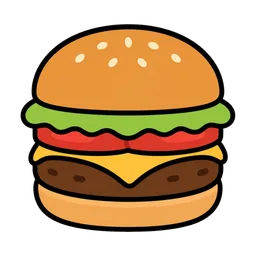
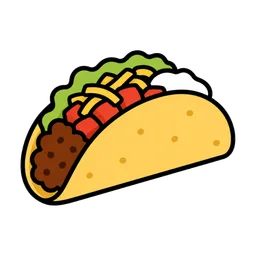
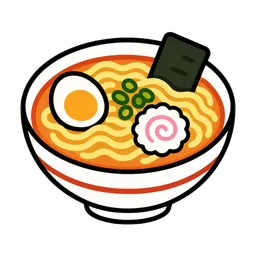
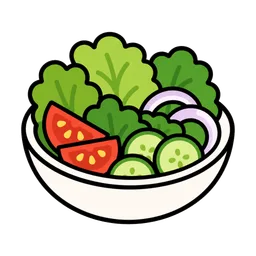
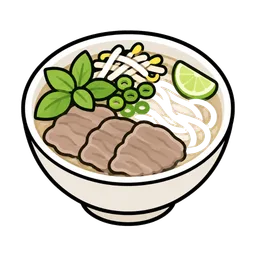
← 활용 사례프레젠테이션 음식 아이콘
슬라이드와 인포그래픽에는 사진으로 풀리지 않는 문제가 있습니다. 사진은 자기 배경을 데리고 오는데, 슬라이드 배경은 장마다 다르기 때문입니다. 배경이 투명한 아이콘은 어떤 색 위에도 올라가고, 특히 음식 아이콘은 프로젝터가 대비를 날려버려도 형태가 남아야 합니다.
실전 팁
- 필요하다고 생각하는 것보다 크게 받으세요. 512 px 파일을 슬라이드에서 80 px로 놓아도 PDF로 깨끗하게 나가고 4K 프로젝터도 버팁니다. 줄이는 건 공짜지만 키우는 건 아닙니다.
- 투명 배경 자체가 핵심입니다. 흰 박스가 구워진 파일은 슬라이드가 흰색이 아닌 순간 사각형이 드러납니다. Yoricon 다운로드는 전부 알파 채널을 유지합니다.
- 스타일 하나를 골라 끝까지 갑니다. 스티커와 수채화가 섞인 문서는 덜 만든 것처럼 보입니다. 첫 장에서 정하고 마지막까지 같은 것으로 쓰세요.
- 투사되는 슬라이드에서 40 px 아래로 내려가지 마세요. 내 노트북에서 멀쩡한 크기가 뒷자리에서는 사라집니다. 실제로 띄울 화면에서 크기를 판단해야 합니다.
- 프레젠테이션 소프트웨어에는 PNG가 안전합니다. PowerPoint·Keynote·Google 슬라이드 모두 PNG를 문제없이 다룹니다. WebP는 최신 버전에서는 되지만 구버전에서는 안 됩니다.
자주 묻는 질문
고객사 제안이나 학회 발표에 써도 되나요?
네. Yoricon 아이콘은 개인·상업 이용 모두 무료이고 출처 표기도 필요 없어서, 고객 제안서·발표 슬라이드·사내 보고서에 모두 쓸 수 있습니다. 다만 아이콘 파일 자체를 재판매하거나 재배포할 수는 없습니다.
슬라이드에는 어느 크기를 받아야 하나요?
512 px면 표지에서 크게 쓰는 경우까지 거의 다 됩니다. 글머리 기호 옆에 놓는 정도면 256 px로 충분합니다. 둘 다 각 음식 페이지에서 받을 수 있습니다.
슬라이드에 Yoricon 출처를 적어야 하나요?
아니요, 출처 표기는 필요 없습니다. 그래도 넣고 싶다면 마지막 주석에 한 줄이면 충분합니다.